Trashcan Reminder 2.0
Homey will remind you to put the trash out! You can do this by providing a postal code, house number and country. Or by configuring it fully manual when your country or postal code is not (yet) supported.
Here you can find information regarding:
If you add your location through devices, it is even possible to support multiple locations! Can be handy if you live on a corner of the street with two different pick-up possibilities, or if you have a vacation home and want to know when the trash is collected there when you are on vacation. Endless possibilities! :)
Do you like it?! Please don’t forget to donate to help me (and my family) continue investing time in making the app even better and keeping all the API connections up-to-date with the continous changes.
Supported Cities
A lot of cities are supported with this trashcan reminder. If your city is not supported you can always add your schedule manually. You can add new cities yourself, but requests to add new cities aren’t honoured. If you wish to contribute to the project (for example by adding support for a city). I would advise you to take a look at this explanation.
Netherlands
- Afval App
- Afvalkalender ACV
- Afvalkalender Almere
- Afvalkalender Alphen aan de Rijn
- Afvalkalender Circulus
- Afvalkalender Cyclus
- Afvalkalender Dar
- Afvalkalender Meerlanden
- Afvalkalender Noardeast-Fryslân & Dantumadiel
- Afvalkalender Peel en Maas
- Afvalkalender Purmerend
- Afvalkalender RAD
- Afvalkalender RD4
- Afvalkalender Reinis
- Afvalkalender RMN
- Afvalkalender ROVA
- Afvalkalender RWM
- Afvalkalender Saver
- Afvalkalender Venray
- Afvalkalender Waalre
- Afvalkalender ZRD
- Afvalwijzer Pre Zero
- Area Reiniging
- Avalex
- Avri
- Den Bosch Afvalstoffendienstkalender
- GAD Gooi en Vechtstreek
- Gemeente Assen
- Gemeente Hellendoorn
- Huisvuilkalender Den Haag
- Inzamelkalender HVC
- Mijn Afvalwijzer
- Mijn Afvalzaken
- Mijn Blink
- Recyle Manager
- Reinigingsdienst Waardlanden
- Twentemilieu
- And many more! Check the app for all available providers.
Belgium
Norwegian
Supported Cards
There is one card that you can place in the “and” column. The card lets you check whether or not trash is collected either today, tomorrow or the day after tomorrow. The type of trash that is checked for can be set to a specific one, or to ‘any’ to include all types. Check out the Flow Examples for some cool tips and tricks.
Tags
There are four global tags available. The text in the tags can be configured trough the settings page. The tags represent the trash that is collected today, tomorrow and the day after tomorrow. If you want to create a flow that notifies you what type of trash is collected today, use the “today” tag. If you want to create a flow that notifies you what type of trash is collected tomorrow, use the “tomorrow” tag. If you want to create a flow that notifies you what type of trash is collected the day after tomorrow, use the “day after tomorrow” tag. Plase note that the tags are independent from the “What type of trash is collected on « day »” card available in the “and” column.
The fourth tag has the result of all trash collection dates in JSON format available. If you like custom coding and need some additional flexibility, you can use this global tag.
Widgets
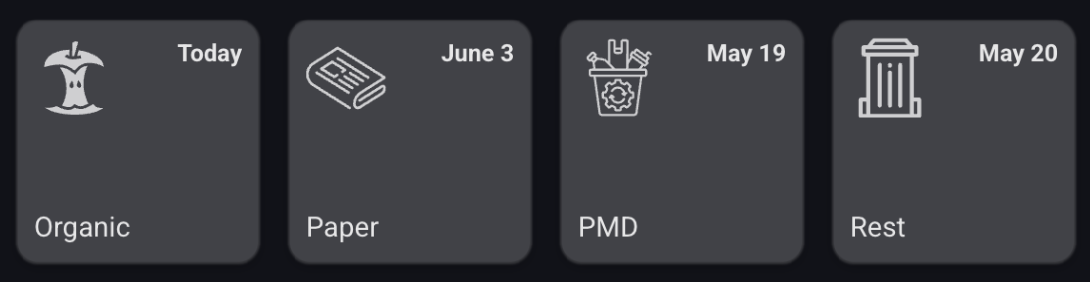
There is one widget available that displays the trash that is collected next. You can configure the height, look and feel, and amount of items to display through the widget configuration.
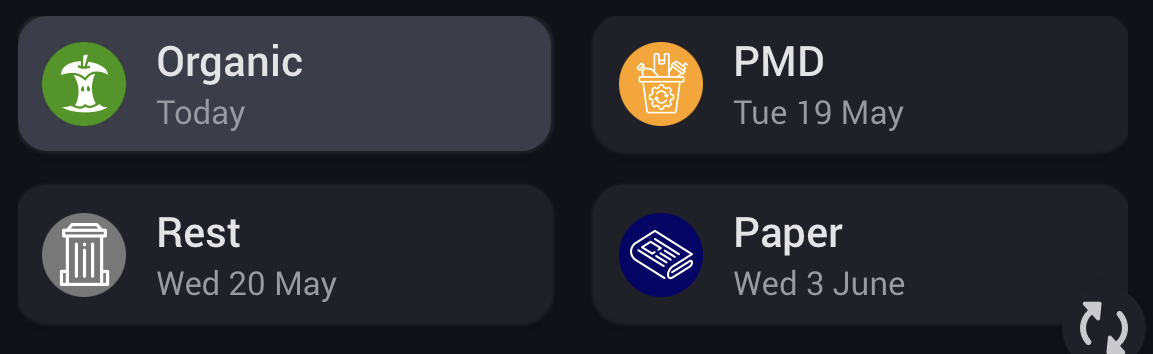
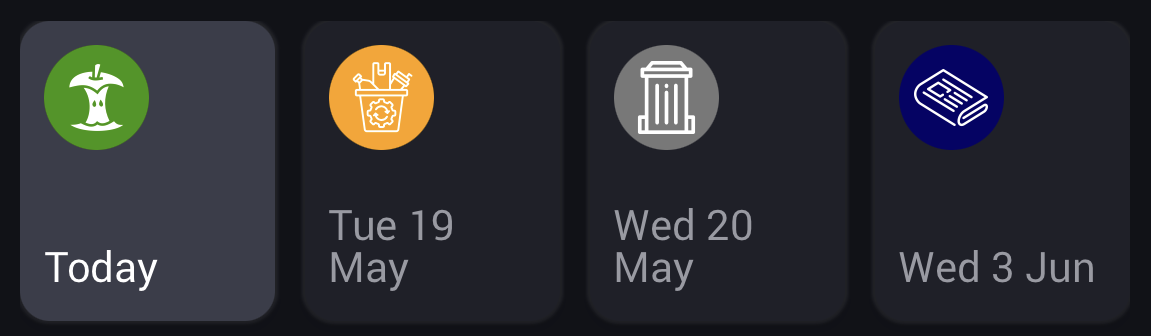
But next to these widgets, you can also add your address as device(s). This way you can add your devices to your dashboard to get another look & feel on when your trash is collected.